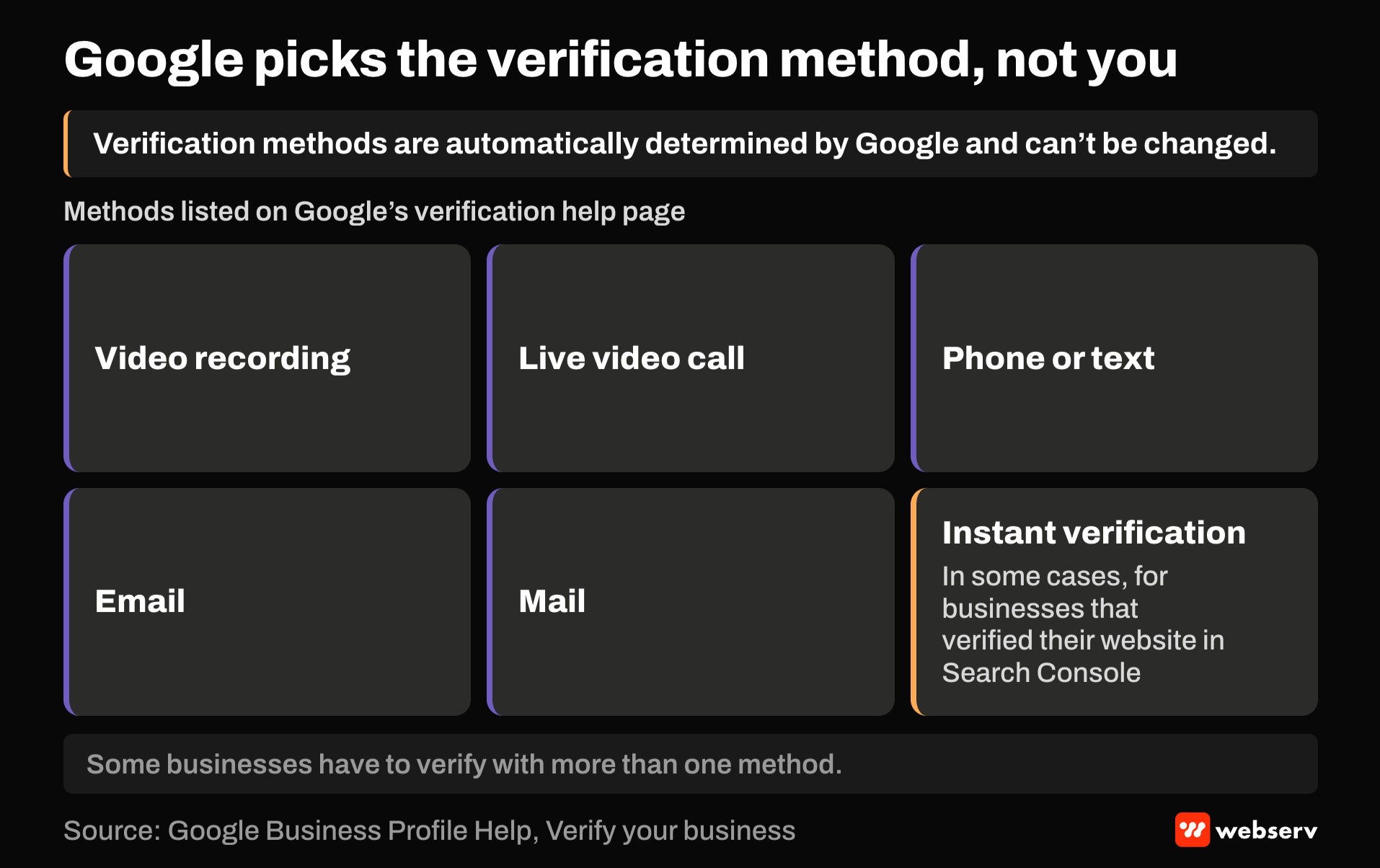
Google’s help center says it plainly: “Verification methods are automatically determined by Google and can’t be changed.” A treatment center can’t pick postcard over video, can’t skip a step it doesn’t like, and sometimes has to verify more than once.
That’s where the maze starts. Verification is the gate to everything else on a Google Business Profile.
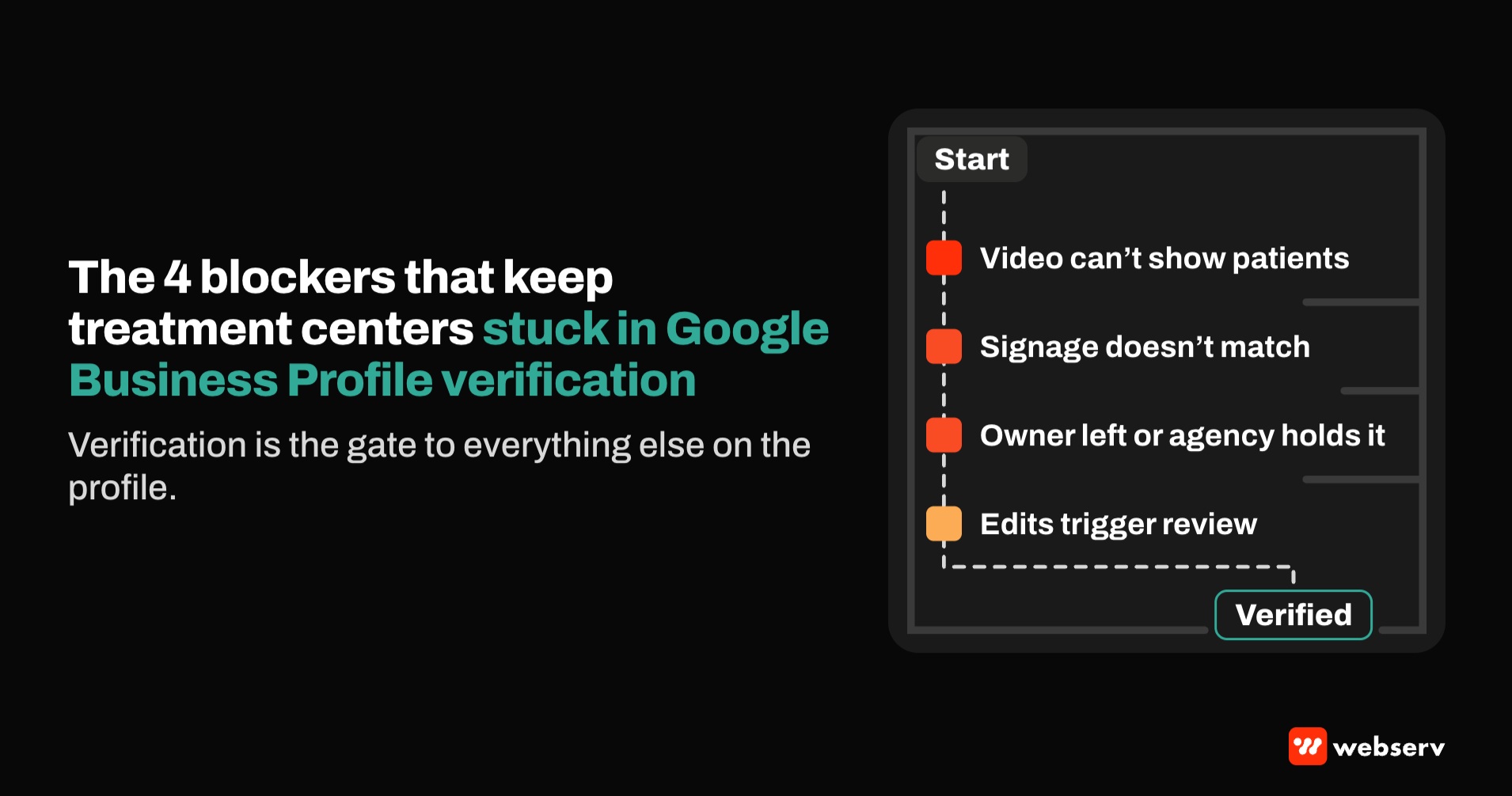
Treatment centers hit a few blockers more often than most businesses: video recordings that can’t show patients, signage that doesn’t match the profile name, profiles set up by a former employee or agency, and edits that send a verified profile back into review.
This piece covers the verification methods, what Google wants to see in a video, the treatment-center-specific blockers, what triggers re-verification, and how to keep access from getting lost. It’s part of the work inside our SEO practice for treatment centers, and every requirement below comes from Google’s Business Profile help pages.
Key Takeaways
- Google chooses the verification methods a profile is offered, and some businesses have to verify with more than one method.
- Video verification must be a live, unedited recording of at least 30 seconds, made on a mobile device, showing the location, signage that matches the profile name, and proof you manage the business.
- For a treatment center, the video can’t show other people’s faces or private information, which rules out filming patients or records.
- Changing categories, and sometimes other business details, can trigger re-verification. Editing the name, address, or category while waiting for a postcard voids the code.
- Keep at least two owners on every profile under business-owned accounts, with agencies as managers. Google’s policy says agencies must transfer ownership on request.
How verification works now
Google’s verification help page lists the methods: video recording, live video call, phone or text, email, mail, and in some cases instant verification for businesses that have verified their website in Search Console.
A few details catch facilities off guard:
WHAT CATCHES FACILITIES OFF GUARD
- You don’t choose. The options depend on business type, public information, region, and business hours.
- Video is recommended. Google says that if a business is eligible for video verification, it recommends that option.
- Live video calls happen during business hours only. Plan for the right person to be on site.
- Phone verification won’t reach a phone tree. Google says interactive voice response systems won’t get the code. If the main line goes through a call tracking menu or answering service, use a direct line.
- Postcards aren’t offered to everyone, and codes expire after 30 days.
- Reviews can take up to 5 business days, and sometimes longer.
What Google wants to see in a verification video
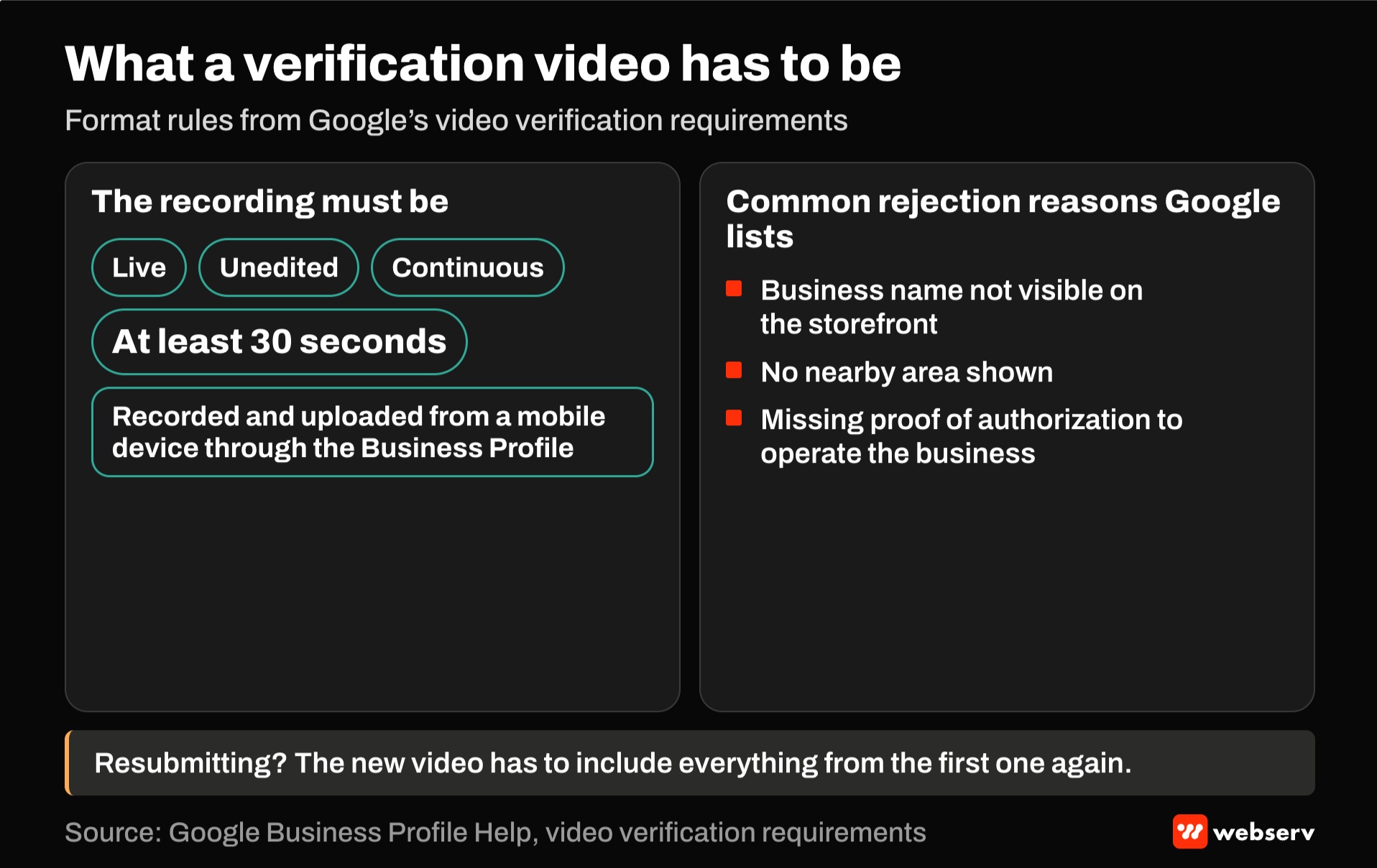
Google’s video verification requirements are specific. The recording must be live, unedited, continuous, at least 30 seconds long, and recorded and uploaded from a mobile device through the Business Profile.
It needs to show three things:
Where you are
Street signs, building numbers, nearby businesses, or familiar landmarks.
That the business is real at that address
Signage, and the name shown must match the name on the Business Profile.
That you manage it
Things only an employee can access. Google’s examples include opening a cash register or storage room, or using a point-of-sale system. Its live-call checklist also mentions using your keys to open the facility.
Google lists common rejection reasons, including a business name not visible on the storefront, no nearby area shown, and missing proof of authorization to operate the business. A resubmitted video has to include everything from the first one again.
DEFINITION
Video verification. A Google Business Profile verification method in which the owner records a continuous, unedited video on a mobile device that shows the location, matching signage, and proof of managing the business. Google reviews the recording before the profile goes live.
The blockers treatment centers hit
Patient privacy on camera. Google says the video must not show other people’s faces or private information about you or others. At a treatment center, that’s also a patient privacy issue. Film when common areas are clear, avoid charts, whiteboards, and screens, and use staff-only spaces like a locked supply room or the admissions office to show management access.
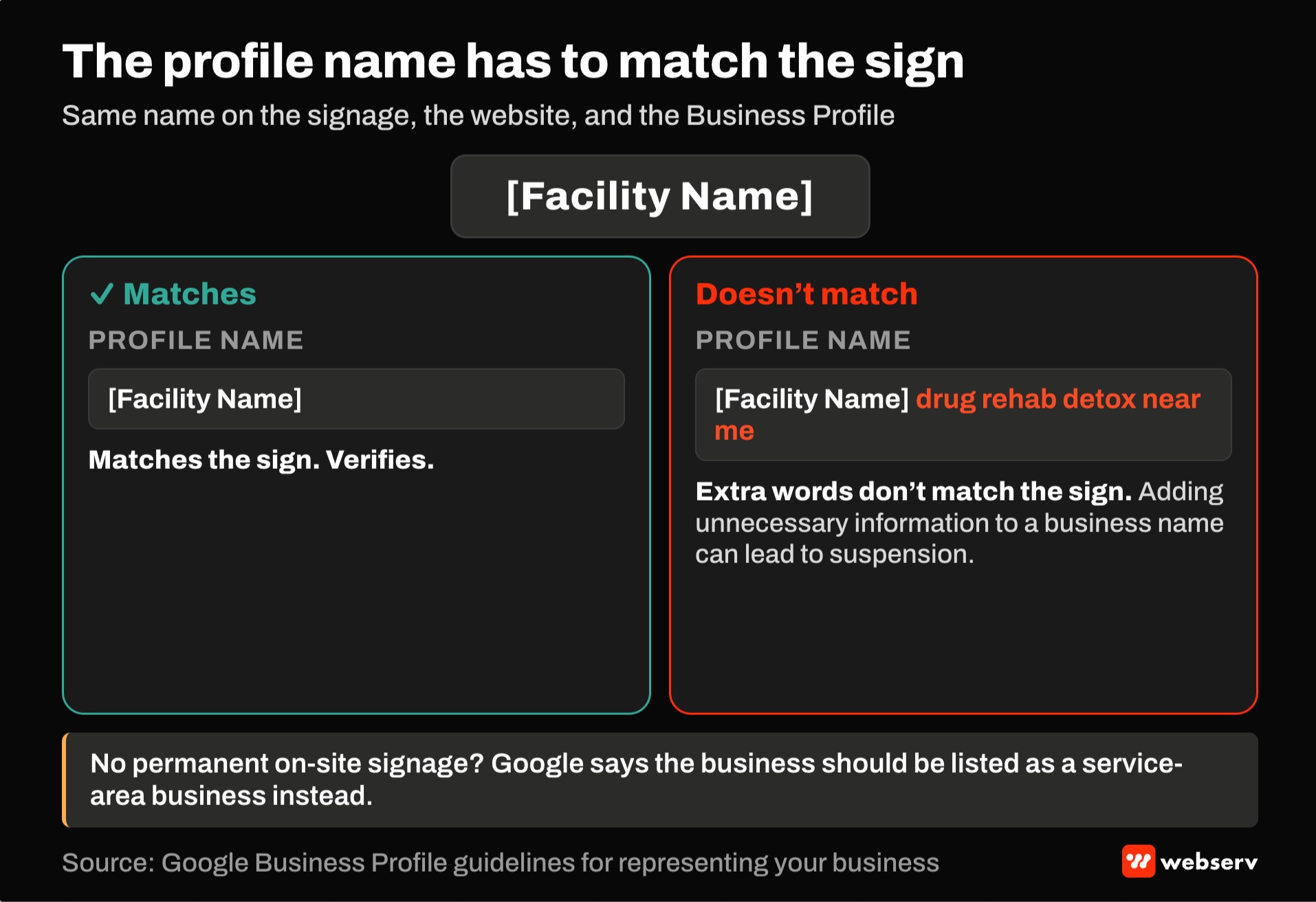
Discreet or missing signage. Many residential programs keep exterior signage minimal for privacy. Google says the name in the video must match the profile, and that a business without permanent on-site signage should be listed as a service-area business instead. A facility that receives patients on site needs signage that matches its profile name. Decide that before recording.
A name that doesn’t match. The profile name has to match the real-world name used on signage and the website. Google’s guidelines say adding unnecessary information to a business name can lead to suspension. A profile named exactly as the sign reads verifies. The same name with “drug rehab detox near me” added doesn’t match the sign, and can get the profile suspended.
Call routing. Google’s guidelines bar phone numbers that redirect or refer users to numbers other than the actual business’s. Use the facility’s own number on the profile. If you use call tracking, our call tracking attribution guide covers keeping attribution without breaking the listing.
Referral and lead-gen setups. Google lists lead generation agents or companies as ineligible for a Business Profile, and requires in-person contact with customers during stated hours. A call center or referral brand can’t hold its own profile.
Multiple locations and practitioners. One profile per location. Practitioners such as physicians can have their own profiles, but Google says support staff shouldn’t, and a practice with several practitioners should have a location profile separate from theirs. For multi-location structure, see our multi-location local SEO hub.
COMMON MISTAKE
Editing a profile mid-verification. A team waiting on a postcard updates the categories or tweaks the name. Google says editing the name, address, or category while waiting means the code won’t work.
Finish verification first, then make changes one at a time.
What sends a verified profile back into review
Google says adding or editing a category may require re-verification, and more generally that changes to business info may require it. Edits usually review within minutes, but Google says they can take up to 30 days.
Profiles can also show statuses that block visibility. Google’s status definitions include pending review, suspended for policy violations, and disabled for quality violations.
If a profile is suspended, use Google’s appeals tool rather than creating a new profile. Google says not to create a new profile for the same business.
It also says appeals can only be submitted once, and that evidence such as business registration, licenses, tax certificates, or utility bills helps. Put the strongest documentation in the first appeal.
Keep access from getting lost
A verified profile does little good if nobody can log into it. Google’s ownership rules help prevent that:
- Multiple owners, one primary. A profile can have several owners but only one primary owner, and a primary owner has to transfer that role before leaving.
- Agencies as managers. Google’s policy tells agencies to encourage the business owner to own the profile and add representatives as managers, and to transfer ownership immediately on request.
- Business accounts, not personal ones. Each user needs their own Google account. Tie owner accounts to company email, not a departing employee’s personal address.
- Ownership requests. If someone else owns your profile, you can request ownership, and the current owner has 3 days to respond.
For 10 or more locations of the same business, Google offers bulk verification, with conditions: it isn’t available to service-area businesses or to agencies holding several businesses in one account, and video confirmation may still be required.
OPERATOR INSIGHT
Add a two-minute check to every monthly report: is each profile verified and live, who are the owners, have categories or the name changed, and are there pending edits from Google or the public. A verification problem caught in the monthly is a fix. One caught after a month of missing calls is a loss.
Where this fits
Verification is the gate. What happens after it is in our Google Business Profile optimization guide, our guide to local SEO for rehab centers, and our guide to treatment center location pages.
For how local search fits the rest of your marketing, see the complete guide to behavioral health marketing. If a profile is stuck, book an intro meeting.
Frequently Asked Questions
Why can’t we choose postcard verification?
Google determines the available methods automatically, based on business type, public information, region, and hours, and they can’t be changed.
Postcard verification isn’t available for all businesses.
If video is offered, Google recommends using it.
How do we record a verification video without showing patients?
Google’s rules already exclude other people’s faces and private information, so plan the recording around them.
Film when common areas are clear, avoid charts and screens, and show management access in staff-only spaces like a locked supply room or admissions office.
Show the street, the signage, and the entrance in one continuous take of at least 30 seconds.
Our facility doesn’t have a sign. Can we still verify?
Google says the name in the video must match the profile, and a business without permanent on-site signage should be listed as a service-area business instead.
A facility that receives patients on site generally needs signage matching its profile name to verify as a storefront.
Decide on signage before you record.
Why did our verified profile ask us to verify again?
Google says adding or editing a category may require re-verification, and that changes to business information can trigger it.
Make one change at a time and track what changed and when.
If the profile is suspended, appeal once with full documentation, and don’t create a new profile.
What happens if our agency owns the profile?
Google’s policy says agencies should transfer ownership to the business owner immediately on request, and should work as managers on profiles the business owns.
Make sure at least two people at the facility are owners, using company accounts.
If you can’t reach the current owner, you can request ownership, and they have 3 days to respond.
Trevor Gage is the Director of Marketing at Webserv, a digital marketing agency for treatment centers.