Most “best CRM” articles I read for treatment centers ask the wrong question. They ask which platform is best without asking what “best” means for a treatment center specifically.
The answer depends on your admissions volume, your team size, your reporting requirements, and how much internal capacity you have to configure the platform once it is deployed.
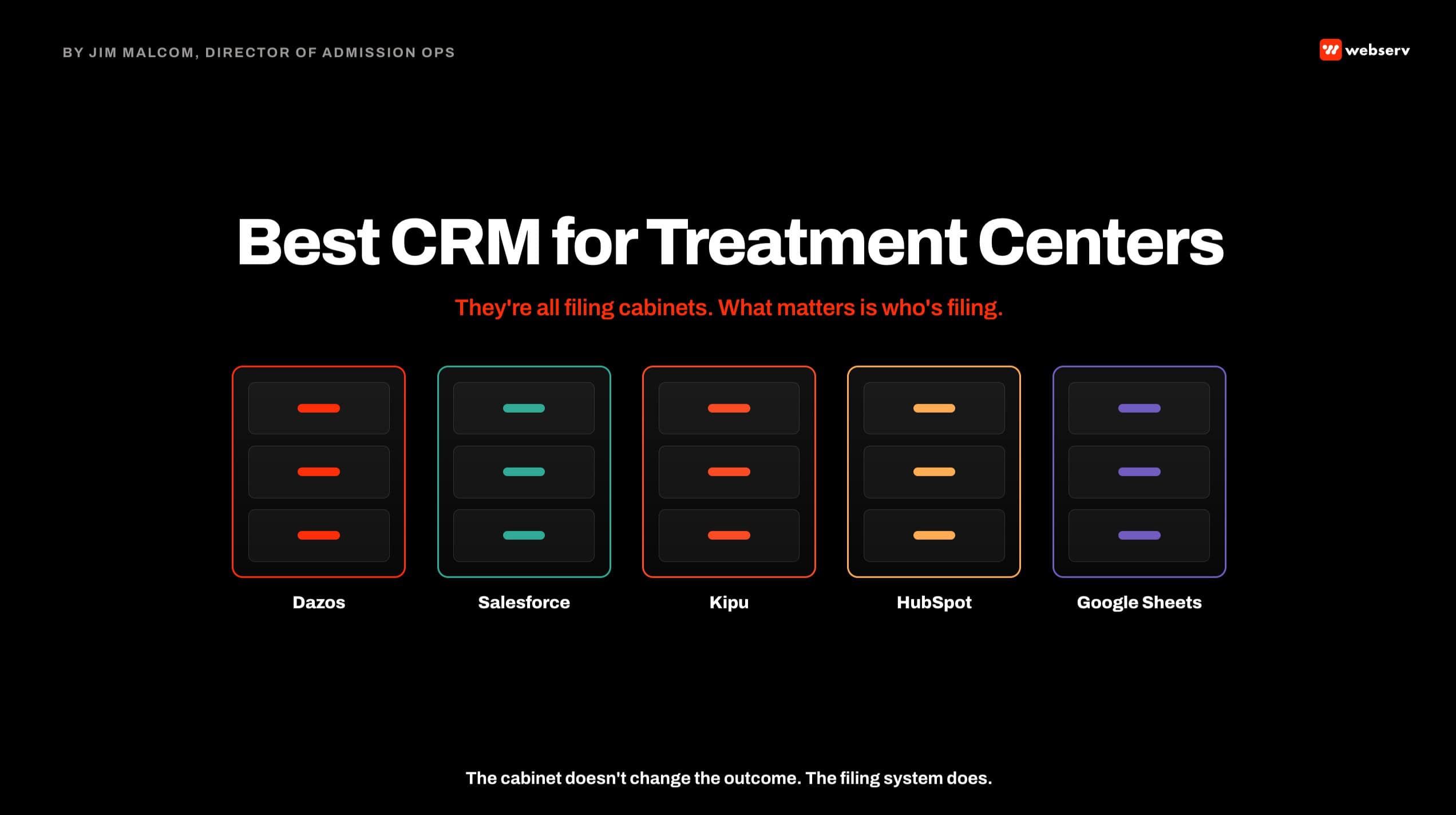
The honest answer, after years of deploying CRMs across treatment center admissions operations engagements at Webserv, is that most CRMs are essentially the same at a functional level. They are organized filing cabinets.
What separates the platforms in real operation is how well they enforce data hygiene, how cleanly they integrate with call tracking and ad platforms, and how quickly a coordinator can enter a record without slowing down the call.
This guide walks the framework I use with operators to pick a CRM, the seven evaluation criteria that separate a platform that will work from one that will not, and honest assessments of six options treatment centers use for admissions.
Key Takeaways
- Most CRMs are functionally equivalent at the core level. What separates them in real operation is behavioral-health-specific field configuration, call-tracking and ad-platform integrations, and how well the platform enforces data hygiene on the coordinator team.
- A large share of any CRM’s effectiveness is coordinator buy-in and data hygiene. If your admissions team does not consistently enter data in the structured fields, the platform is a graveyard of half-filled records regardless of which vendor you selected.
- The seven evaluation criteria that matter for treatment centers: VOB workflow support, call-tracking integration, dashboard flexibility, coordinator ergonomics, behavioral-health field customization, data-hygiene enforcement, and enterprise scalability.
- Dazos is the most behavioral-health-native standalone CRM in our shortlist. Salesforce is the most powerful but frequently the most under-utilized. Kipu and Alleva put admissions inside a behavioral health EHR. HubSpot works for smaller operations with light customization. Google Sheets is a legitimate answer for small operations with strong data-hygiene discipline.
- Webserv has a partnership with Dazos and provides SEO and paid media services to Alleva. Both relationships are disclosed below and in each platform’s section.
- The most expensive CRM decision is not the license fee. It is the migration cost when the wrong platform gets deployed and has to be replaced. Pick the platform that matches your operation’s actual scale and configuration capacity, not the platform with the most features.
Disclosure: Webserv’s Relationships with Dazos and Alleva
Before the platform assessments below, two things need to be on the table.
Webserv has a partnership with Dazos, the behavioral-health-specific CRM covered later in this guide. That partnership means Webserv earns referral fees when clients we work with select Dazos, and it means we have engineering integrations with the Dazos platform that we do not have with every other CRM in the market.
Webserv also provides SEO and paid media services to Alleva, whose CRM+ add-on is assessed in this guide. We are paid by Alleva for that marketing work.
I have written both sections with those relationships disclosed, and I have written them honestly. Each platform is a good fit for some treatment centers and not for others, and where each works well and where it does not is documented in the assessment.
Treat the ranking as informed opinion rather than an objective sort order, because objective sort orders across CRM platforms do not exist in this category.
The Filing Cabinet Frame
DEFINITION
The CRM as filing cabinet. The most useful metaphor for what a treatment center CRM actually does. It is an organized system for storing and retrieving records about admissions prospects, their status through the funnel, and the outcomes of the calls and follow-ups.
It is not the reason your team closes more admits. Coordinators close more admits. The CRM makes their work legible so leadership can see what is happening. Configured correctly, the CRM removes friction. Configured badly, it adds friction and produces bad data.
I have been running this frame with treatment center operators for years. When I sit down for the first meeting and the operator asks which CRM is best, I say the same thing.
A CRM is a nice, organized filing cabinet. They are all the same. What differs is how well the filing cabinet is set up, how clearly the coordinators are trained to use it, and how tightly the reporting layer sits on top of the data inside it.
That framing changes the CRM selection conversation. Instead of asking which platform has the best feature list, we ask which platform your team will actually use consistently.
Instead of comparing pricing tables, we compare implementation timelines and configuration overhead. Instead of chasing enterprise features, we optimize for the specific admissions workflow the treatment center actually runs.
The CRM handles sensitive patient records, which raises a compliance floor most operators need to understand before selection. HHS’s guidance on HIPAA and cloud computing says a cloud vendor that stores or processes PHI needs a signed business associate agreement, and that applies to every CRM on this list.
The 2024 Final Rule updating 42 CFR Part 2 changed how substance use disorder patient records can be stored and shared, which affects how a treatment center CRM has to be architected regardless of vendor. HHS summarizes the rule on its Part 2 overview page, and our 42 CFR Part 2 guide covers the marketing and intake side.
The Seven Criteria That Actually Matter
The evaluation framework below is the disclosed methodology for this guide. When I rank platforms in the sections that follow, I rank them against these criteria specifically.
 The seven evaluation criteria Jim Malcom uses to rank CRMs for treatment centers: VOB workflow support, call tracking integration, dashboard flexibility, coordinator ergonomics, behavioral health field customization, data hygiene enforcement.
- VOB Workflow Support. Whether the CRM can natively handle Verification of Benefits status tracking, integrate with third-party VOB tools like VerifyTX or Availity, and preserve VOB outcome data in a way that ties to admit attribution. This is the single most behavioral-health-specific requirement.
- Call Tracking Integration. Native or clean API integration with CallRail, CTM, or the call tracking platform your treatment center uses. Every inbound call should create or update a CRM record automatically, with source attribution preserved.
- Dashboard Flexibility. How easily an operations manager can build custom reports, segment by coordinator or campaign source, and pull the KPI spine (leads, VOBs, viable VOBs, admits, plus the two rates) without needing developer support.
- Coordinator Ergonomics. How quickly a coordinator can enter a record without slowing down a live call. If entering a lead means a long form, coordinators will skip fields or enter data in free-form notes. Fast entry is not optional.
- Behavioral Health Field Customization. How readily the CRM supports custom fields for VOB status, level of care assignment, admit-status taxonomy, payer type, and treatment history. Out-of-box configurations rarely handle behavioral health cleanly.
- Data Hygiene Enforcement. How the CRM enforces required fields, prevents free-form entry where structured fields exist, and surfaces low-hygiene records for cleanup. HubSpot’s field-usage tracking that shows how often each field is filled is a good example of hygiene-enforcement design.
- Enterprise Scalability. How the platform handles multi-facility operations, cross-facility reporting, and integrations with billing systems. Smaller operations do not need this. Larger operations cannot function without it.
Rank platforms against those seven criteria in your own operation’s context. The right platform for a two-coordinator outpatient program is not the right platform for a five-facility residential portfolio. The criteria weight differently across scale.
Platform 1: Dazos
Best for: Behavioral-health-specific treatment centers of any size that want a purpose-built CRM without heavy configuration overhead. Best fit for detox, residential, PHP, and IOP programs.
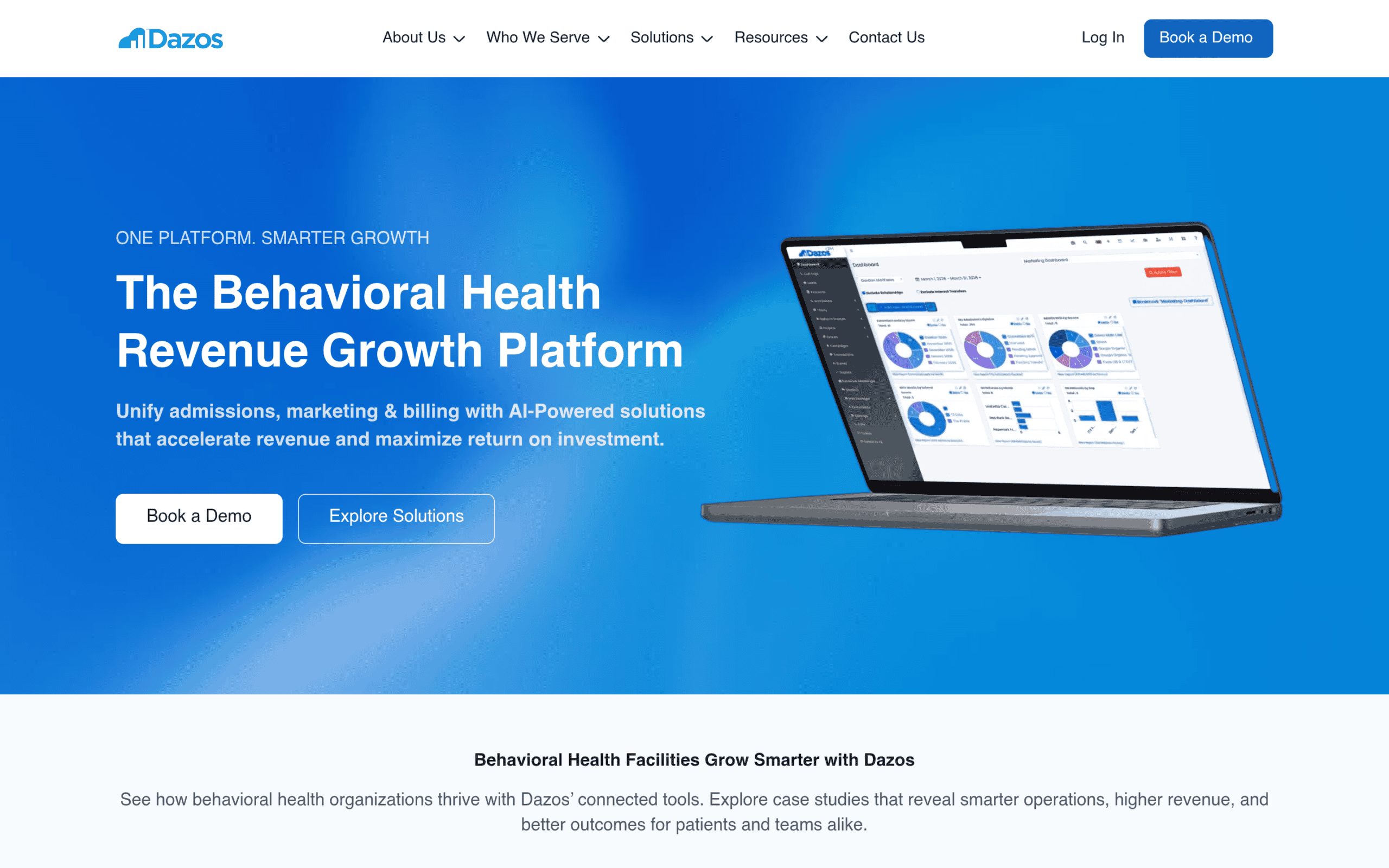
Partnership disclosure: Webserv is a Dazos partner. See the disclosure section above.
Dazos is the most behavioral-health-native standalone CRM in our shortlist. It ships with VOB workflow support built in, integrates natively with CTM for call tracking, and maintains bi-directional sync with Kipu for the clinical side.
The built-in VOB tool works similarly to an Availity portal and removes a friction point most treatment centers have to solve with a third-party tool.
Strengths: VOB workflow is built for behavioral health, not adapted from a general sales-cycle model. Call tracking integration is clean out of the box. Kipu integration handles the clinical-to-admissions handoff without custom development. Field configuration is closer to production-ready for behavioral health than any other standalone CRM in this shortlist.
Limitations: The interface is optimized for admissions workflows specifically, which means it is less flexible than Salesforce for operations that want to build heavily custom reporting layers. Large multi-facility operations sometimes outgrow Dazos and migrate to Salesforce, though this transition happens later than most operators expect.
Ideal facility size: Any behavioral health treatment center from small outpatient to mid-size residential. Larger multi-facility portfolios should evaluate closely against Salesforce depending on cross-facility reporting requirements.
Platform 2: Salesforce
Best for: Enterprise-scale treatment centers with dedicated CRM administration capacity, multi-facility operations, and requirements for heavy custom reporting.
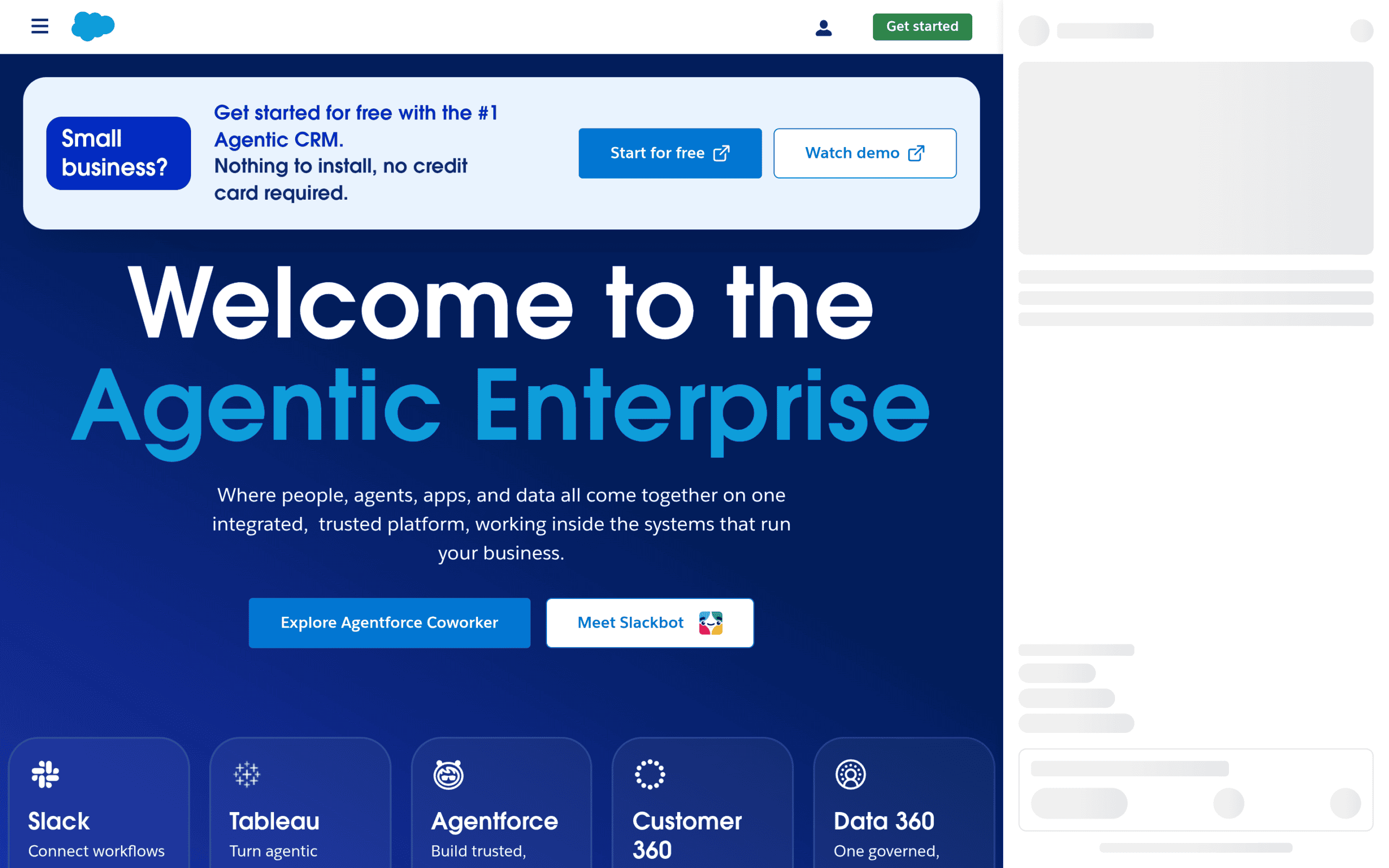 Homepage screenshot of Salesforce, the enterprise CRM platform used by large multi-facility treatment center portfolios that require unlimited customization and reporting depth.
Salesforce is the most powerful CRM in the shortlist and, in my experience, the most under-utilized.
When an operator has the internal capacity to configure Salesforce for their admissions workflow, deploy the custom objects, build the reporting layer, and train the admissions team on the platform, Salesforce is the best CRM there is. When they do not, Salesforce becomes expensive shelfware that nobody uses.
THE SALESFORCE PARADOX
I have watched a treatment center pay for Salesforce quarter after quarter and use almost none of its capabilities.
The admissions team was still tracking leads in a spreadsheet on the side because the Salesforce configuration was broken and nobody had capacity to fix it.
Salesforce is a powerful platform. It is only powerful when someone in your organization owns the configuration full-time. Without that person, Salesforce is worse than a cheaper CRM your team will actually use.
Strengths: Unlimited custom field creation, custom object support, powerful reporting engine, integration with virtually every other business system, enterprise-scale multi-facility support. The best platform for operators who have dedicated admin capacity.
Limitations: Requires a Salesforce administrator (either internal hire or dedicated consultant) to configure and maintain. Out-of-box configuration is generic sales-cycle, which is wrong for behavioral health. Total cost is higher than behavioral-health-specific alternatives once admin time is counted, and the cost only pays back if the platform is actually being used.
Ideal facility size: Enterprise operations with multiple facilities, dedicated CRM admin, and requirements that behavioral-health-native platforms cannot meet. Our Salesforce for treatment center admissions guide covers configuration in depth.
Platform 3: Kipu
Best for: Treatment centers whose clinical operations are already on Kipu and want the admissions CRM function to sit inside the same platform.
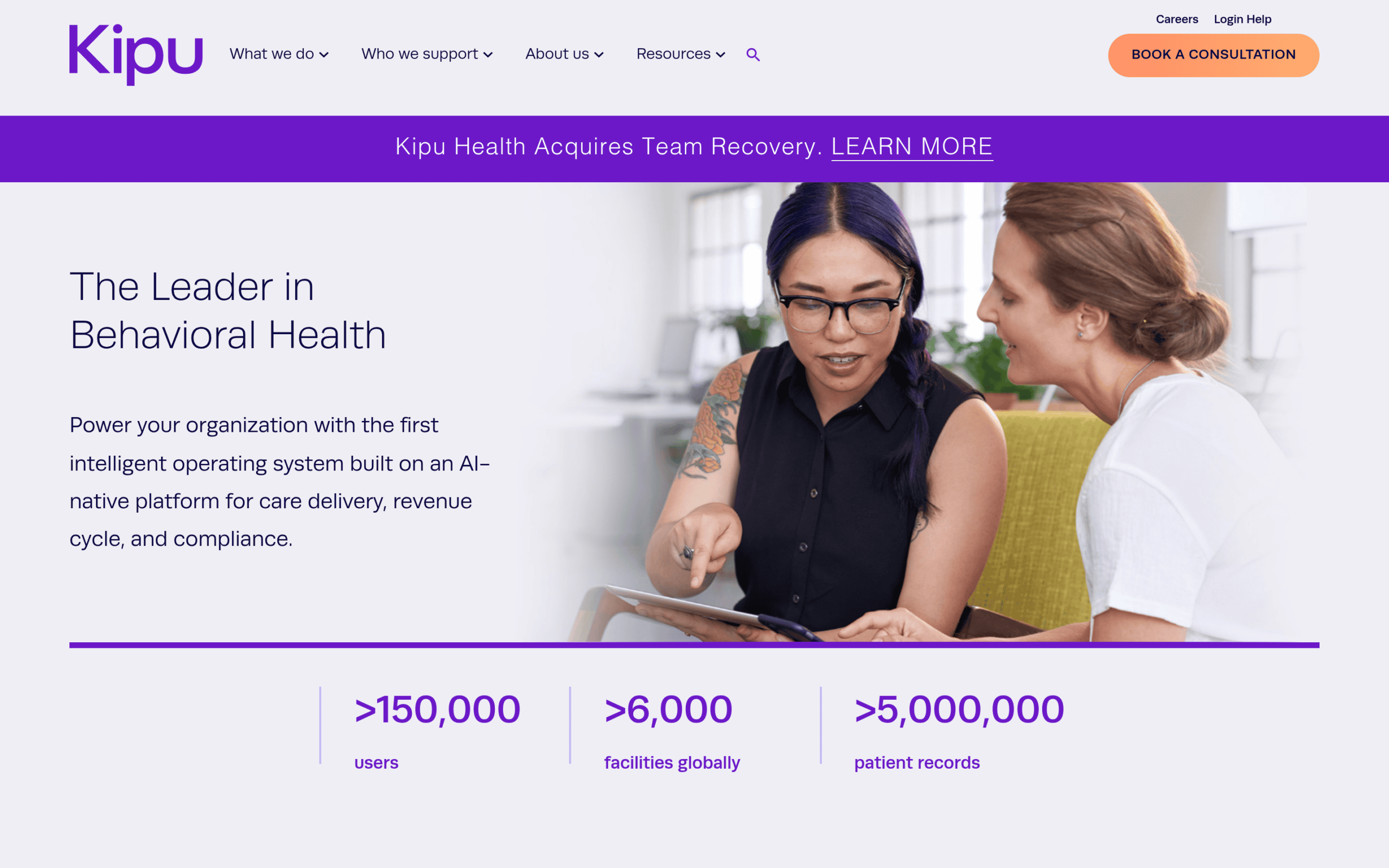
Kipu is primarily an electronic health records platform, but it includes CRM functionality for admissions. The advantage is that admissions-to-clinical handoff happens inside a single system without integration overhead. Prospect records that convert to admits become patient records in the same platform.
Strengths: Minimal admissions-to-clinical handoff friction because both functions live in the same platform. Native VOB and utilization review workflows for the clinical side. Behavioral-health-specific by design.
Limitations: The CRM side is less feature-rich than dedicated CRM platforms. Reporting layer for admissions-specific KPIs is thinner than Dazos or Salesforce. Best deployed as a component of a larger CRM architecture rather than as the sole CRM.
Ideal facility size: Treatment centers already committed to Kipu for the EHR side who want tight admissions-clinical integration.
Platform 4: Alleva (CRM+)
Best for: Treatment centers that want admissions, clinical documentation, and billing in one behavioral-health-only platform, especially facilities already running Alleva as their EHR.
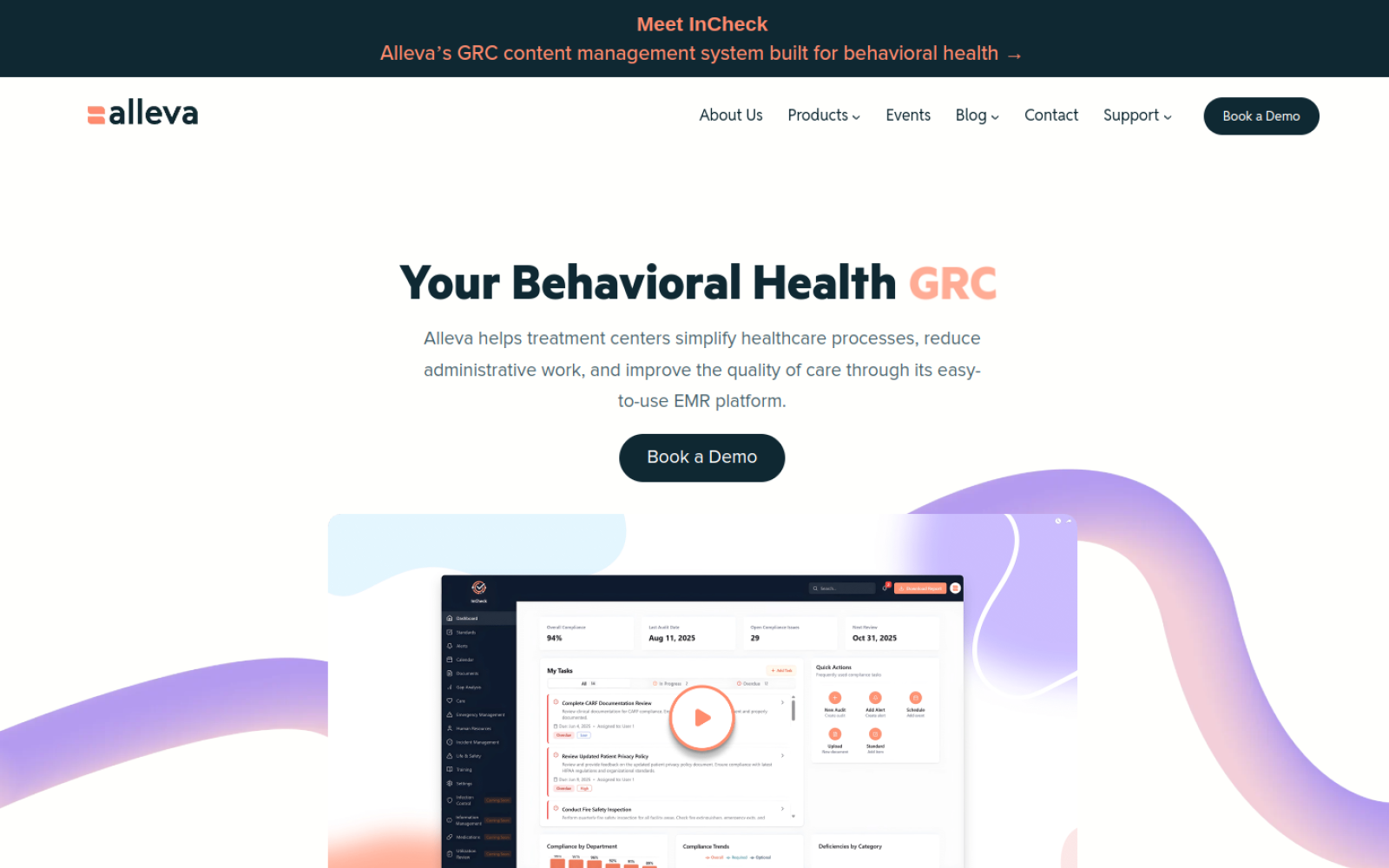
Client disclosure: Webserv provides SEO and paid media services to Alleva. See the disclosure section above.
Alleva is a behavioral health EHR, and its admissions CRM comes through CRM+. Alleva’s knowledge base describes CRM+ as an add-on for tracking leads, running instant VOBs, and reporting on referral sources, added through the facility’s customer success manager.
Inside CRM+, coordinators can email leads, track calls, take notes, upload documents, schedule tasks, and associate referral sources. When a lead moves forward, it converts to an account and opportunity for pre-assessment and insurance verification, so the prospect record carries into the clinical side without re-entry.
VOB runs inside the CRM. Alleva documents an instant VOB workflow in CRM+ through its iVerify tool, and its platform overview describes built-in self-service VOB powered by Waystar on the billing side.
For calls, Alleva offers an integrated Call Manager that logs calls in CRM+ and creates a new lead automatically when a number isn’t already on file.
Strengths: Admissions, clinical documentation, billing, and a client portal sit in one behavioral-health-only platform, which removes the admissions-to-clinical handoff the same way Kipu does. VOB is available from inside the CRM rather than through a separate portal. Referral source tracking and reporting are built in, which matters for facilities with referral-heavy admissions.
Limitations: CRM+ is an add-on, so confirm pricing and which features your contract includes before comparing it against a standalone CRM.
If your marketing runs on CallRail or CTM, confirm how call records and campaign source data reach CRM+ and whether attribution survives the handoff, since that’s what ties admits back to ad spend. As with any EHR-based CRM, test the admissions reporting against your KPI spine in the demo.
Ideal facility size: Facilities already on Alleva’s EHR, and operators choosing a new EHR who want the admissions CRM in the same system. Our Alleva EMR integration guide covers how Alleva connects to standalone CRMs when you keep them separate.
Platform 5: HubSpot
Best for: Smaller treatment centers running lighter admissions volume with standard sales-cycle-adjacent workflows.
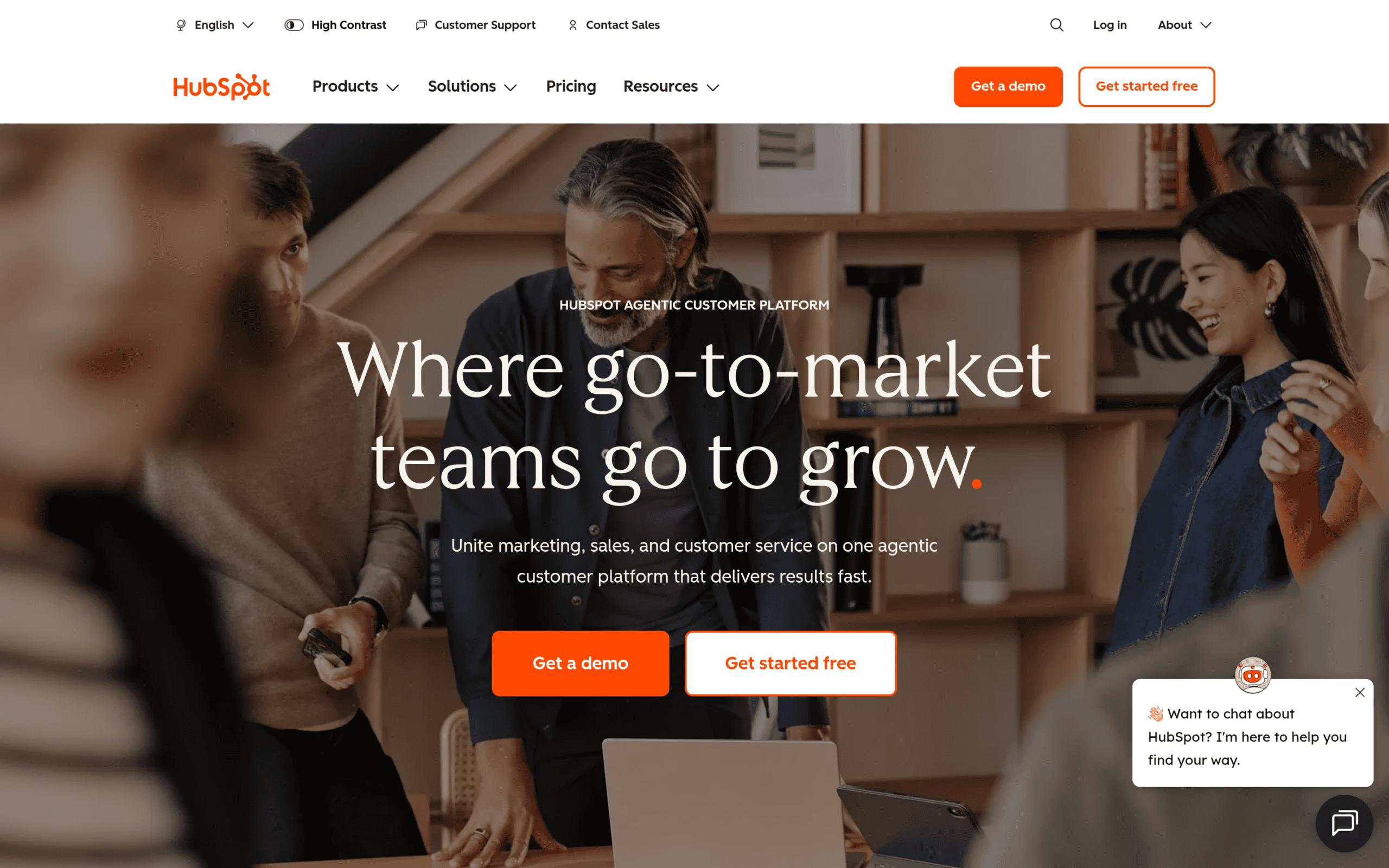
HubSpot is a general-purpose CRM that treatment centers can deploy with moderate configuration effort. It is not behavioral-health-native, which means VOB workflow, level-of-care taxonomy, and admit-status tracking all have to be built as custom fields. But for smaller operations, HubSpot is cost-effective, user-friendly, and includes hygiene-enforcement features that are useful.
Strengths: The field-usage tracking feature that surfaces how often each field is filled is a genuine hygiene-enforcement upgrade. Cost is lower than Salesforce for equivalent scale. Interface is intuitive enough for coordinators to adopt without heavy training.
Limitations: Behavioral-health-specific customization has to be built from scratch. Any HubSpot deployment in a treatment center context also has to be structured around the LegitScript addiction treatment certification standards and HIPAA requirements for how patient data is handled inside marketing and CRM tooling. Reporting flexibility is more limited than Salesforce. Multi-facility scaling is harder than either Dazos or Salesforce.
Ideal facility size: Small to mid-size treatment centers with standard admissions volume and lighter customization requirements.
Platform 6: Google Sheets
Best for: Very small treatment centers or startups with strong data-hygiene discipline.
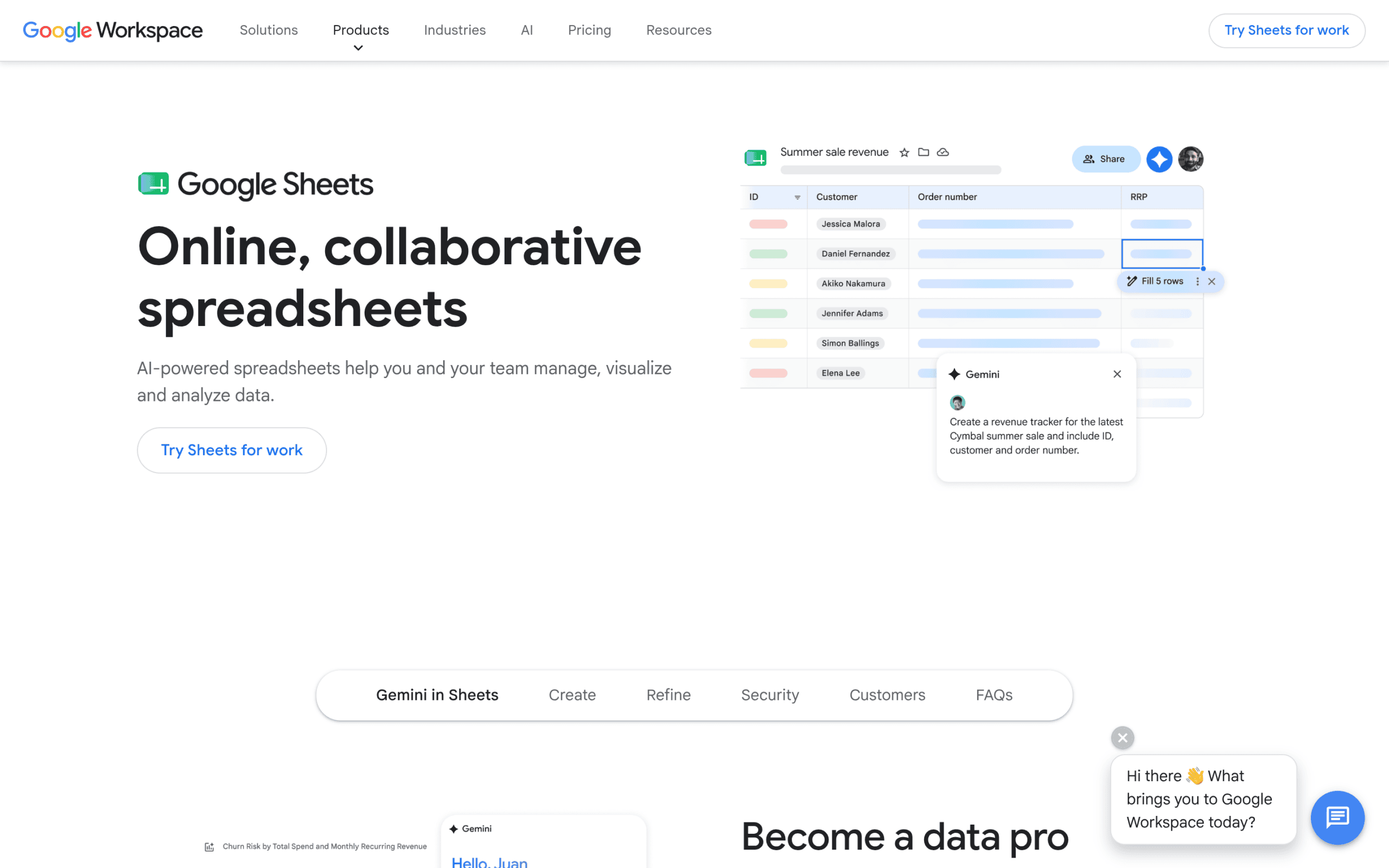 Homepage screenshot of Google Sheets, the free spreadsheet baseline used by smaller treatment centers with fewer than 30 admits per month before graduating to a dedicated CRM.
Strengths: No license cost. No configuration overhead. Every coordinator on your team already knows how to use it. Fast to deploy. Fast to change when the workflow evolves.
CONTRARIAN ENTRY
I have started some pretty big detox and residential operations that ran their admissions tracking on Google Sheets, and they worked. The metric is not the tool. The metric is the discipline of updating the data cleanly every time a call happens.
If your team has that discipline, Google Sheets is a legitimate answer for smaller operations. If they do not, no CRM will save you.
Limitations: Manual data entry burden becomes overwhelming at scale. No automated integrations with call tracking or ad platforms. Reporting is limited to what someone can build in a pivot table. Version-control problems compound over time. Any sheet holding prospect or patient information needs HIPAA-appropriate access controls and a signed business associate agreement with the vendor.
Ideal facility size: Low admissions volume, one to three coordinators, and the ability to hold the team to consistent data-entry discipline. Anything larger should be on a real CRM.
What Actually Matters vs What Doesn’t
CRM FEATURES THAT ACTUALLY MATTER
- Native VOB workflow or clean third-party VOB integration
- Call tracking integration that preserves source attribution
- Reporting that segments the KPI spine by coordinator and campaign
- Bi-directional integration with clinical/EHR systems
- A platform your admissions team will actually adopt
CRM FEATURES THAT LOOK IMPRESSIVE BUT DO NOT CHANGE ADMIT OUTCOMES
- Number of features on the marketing page
- Number of pre-built dashboards
- AI-generated “next best action” suggestions
- Custom-branded coordinator portals
- The platform with the most enterprise-tier features
Every platform in this shortlist can produce clean admissions reporting if it is configured against the KPI spine and the admissions team enters data consistently. The features that determine whether a platform actually works are almost always upstream of the marketing-page feature list.
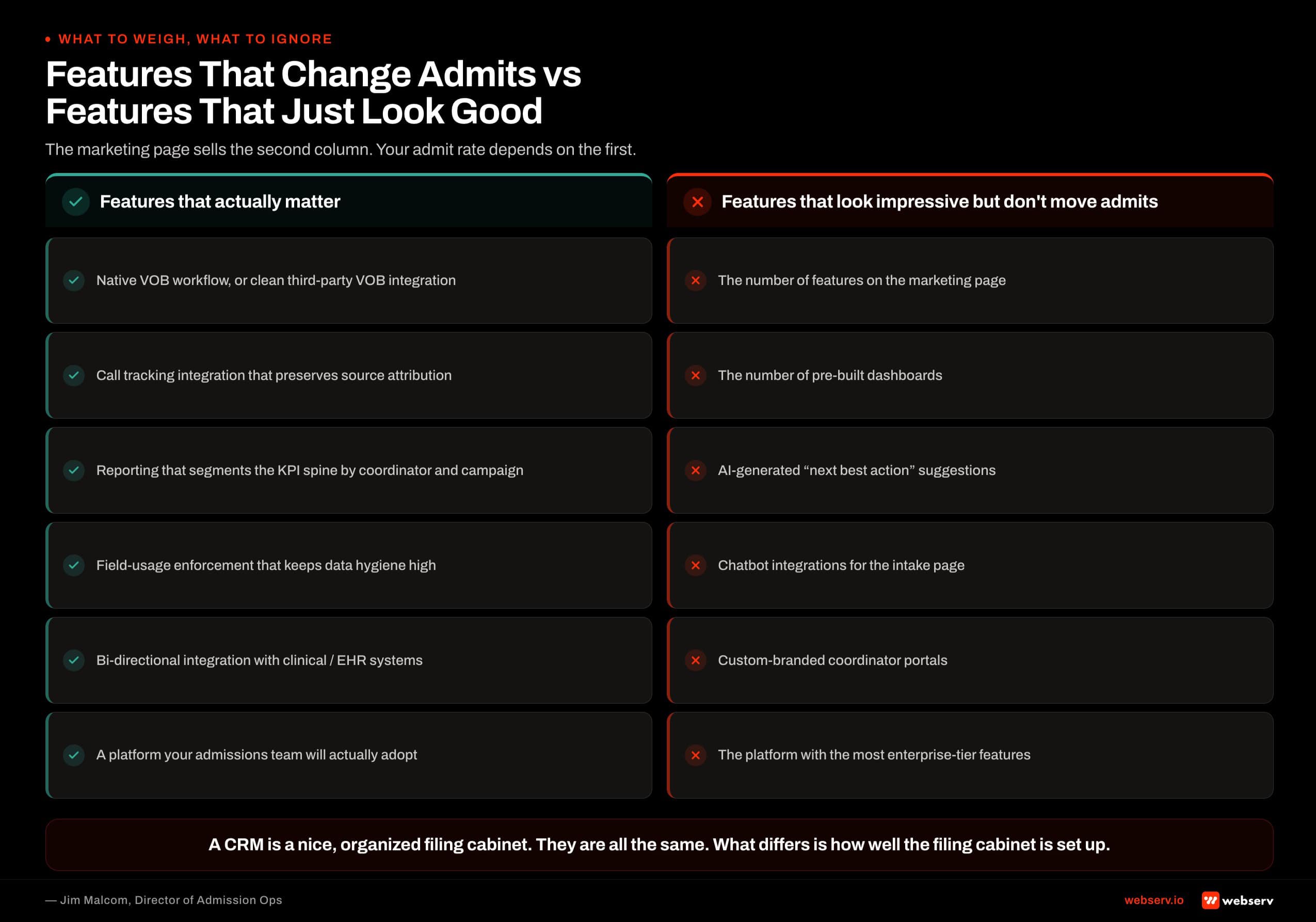 Six side-by-side comparisons of CRM features that actually drive treatment center admissions outcomes versus features that look impressive on marketing pages but don’t change admit outcomes.
For where the CRM sits relative to call tracking, VOB, and the EHR, see our admissions ops software stack map.
The Deployment Reality
The platform selection is roughly a third of the CRM effectiveness equation. Configuration is another third. Coordinator adoption is the final third. Operators who pick the “best” platform on a spec sheet and skip the configuration and adoption work end up with the same broken CRM they had before, just with a different login.
Plan the deployment in three phases, and don’t skip any of them.
Configuration
Field customization, integration wiring, and reporting setup against the KPI spine.
Training and validation
Coordinator training, live-call validation, and process refinement.
Calibration
Reconciliation against billing and the EHR, and dashboard finalization.
Skipping a phase produces a CRM that ships but does not work. Ask every vendor for a realistic timeline for each phase at your volume, and get it in the proposal.
Once it’s live, the CRM becomes the source of truth for attribution, so the reconciliation phase is what makes your marketing reporting trustworthy.
When to Migrate
The CRM migration conversation usually starts before it should and ends after it should. Signals that a migration is actually warranted:
- Your team is entering data in three or more places (CRM, spreadsheet, notes app) because the CRM does not support the workflow.
- Your reporting layer requires a developer to change, and it changes constantly.
- The CRM crashes or slows down at your current volume, forcing coordinators to abandon fields.
- Your integration with call tracking or ad platforms is chronically broken and vendor support cannot fix it.
- The CRM lacks a behavioral-health-native VOB workflow and your team loses time every day working around the gap.
Signals that a migration is premature:
- The current platform works but the marketing page for a competing platform looks nicer.
- Leadership wants a “modern” CRM without a documented problem to solve.
- Your admissions team is complaining about the CRM but has not been trained on the current one.
- The new platform is cheaper but requires more configuration than you have capacity for.
A migration costs transitional productivity, direct configuration and training spend, and usually a temporary dip in admissions while coordinators adjust. Estimate all three for your own operation before you commit, and make sure the move pays back within a year.
For how the CRM fits the rest of your marketing program, see our behavioral health marketing guide. Book an intro meeting if you want to walk your current CRM state with our team live.
Frequently Asked Questions
How much should we budget for a CRM for our treatment center?
Budget depends on platform, seats, add-ons, and scale, and most behavioral health vendors price through sales. Get written quotes that include every module you need, such as an EHR vendor’s CRM add-on or a VOB integration, so you compare like for like.
The larger cost is usually not the license. It is the internal capacity or consultant time to configure the platform against your admissions workflow, plus integrations and training. Budget for that explicitly in year one, because the CRM will not produce results without it.
Google Sheets is free for the smallest operations. It is also the option with the highest hidden cost once the operation outgrows it. Plan the move to a real CRM once keeping the sheet current starts competing with time on the phones, or when you add another admissions coordinator.
Should we buy the CRM the marketing agency recommends?
Sometimes yes, sometimes no. Agencies that recommend specific platforms often have commercial relationships with them. Webserv’s Dazos partnership and our client work for Alleva are examples. Those relationships can produce real technical benefits, such as cleaner integrations and faster configuration, and they also create incentives operators should understand.
The right question is whether the recommendation matches your operation’s actual scale, complexity, and configuration capacity. If it does, the relationship is a benefit. If an agency recommends an enterprise CRM to a small treatment center that cannot staff the configuration, the recommendation is wrong regardless of the relationship.
Ask any agency recommending a CRM to disclose its relationships with the vendors it recommends. If it refuses or downplays them, that answers a different question.
What is the fastest way to know if our current CRM is working?
Pull the last 30 days of records and check three things: the percentage of records with source captured, the percentage with VOB status logged, and the percentage of admits that trace back to a specific campaign or channel.
We treat anything below 90 percent on any of the three as a sign the CRM is not being used correctly, regardless of platform.
The follow-up test is asking your admissions team which fields they consider optional. If any coordinator can list several fields they routinely skip, those fields are either not needed and should be removed, or they are needed and the team needs retraining on why to fill them.
The third test is reconciliation between the CRM and the billing system. If the two disagree on admit count by more than a few percent for the same period, your CRM is not the source of truth. Fix that before anything else.
How long should we run in a CRM before deciding it is not working?
Give any new CRM deployment at least 90 days of live production use before making a migration decision. The early weeks include configuration bugs, coordinator learning-curve issues, and integration teething, and the reporting layer needs time to fill with enough data to judge.
Operators who abandon a CRM too early often end up with the same problems in the replacement platform, because the underlying issues were configuration or adoption, not the tool. The migration then costs months of productivity for a problem that was solvable inside the current platform.
The exception is when the platform is fundamentally incapable of the workflow you need: no behavioral-health-specific fields, no VOB workflow, no way to integrate with call tracking. Those are architectural gaps that no amount of time will close. Migrate in that case.
Is an EHR’s built-in CRM enough, or do we need a standalone CRM?
It depends on how much of your admissions work happens before the clinical record exists. EHR-based CRMs like Kipu’s and Alleva’s CRM+ remove the handoff between admissions and clinical, which is a real advantage when the same team runs intake and early clinical steps.
Standalone CRMs like Dazos and Salesforce usually go deeper on marketing attribution, campaign-level reporting, and call tracking integration. Facilities running significant paid media often need that depth to tie admits back to spend.
Test both against the seven criteria in your demos, with your own KPI spine. The right answer is the one your coordinators will use and your reporting can trust.
Jim Malcom is the Director of Admission Ops at Webserv, where he leads admissions operations engagements for behavioral health treatment centers. He brings 13 years of experience in digital marketing and admissions within the behavioral health treatment space, spanning CRM systems, call center operations, and admissions team development. His focus is on turning marketing spend into measurable admissions outcomes.